Best Storage for GTA 6 on Xbox and PS5: Seagate 2TB, SSDs and External Drives
Need more space for GTA 6? Compare Xbox expansion cards, PS5 SSDs and external hard drives—and learn which storage can actually run the game.
Buying an external hard drive for GTA 6 sounds straightforward until you discover that “compatible with Xbox” does not necessarily mean “plays your Series X games.”
With Rockstar listing up to 212 GB of available space for GTA 6, depending on your device, plenty of us are about to have an uncomfortable conversation with our installed games. Somebody is getting deleted, and that game we haven’t opened in eight months is looking nervous.
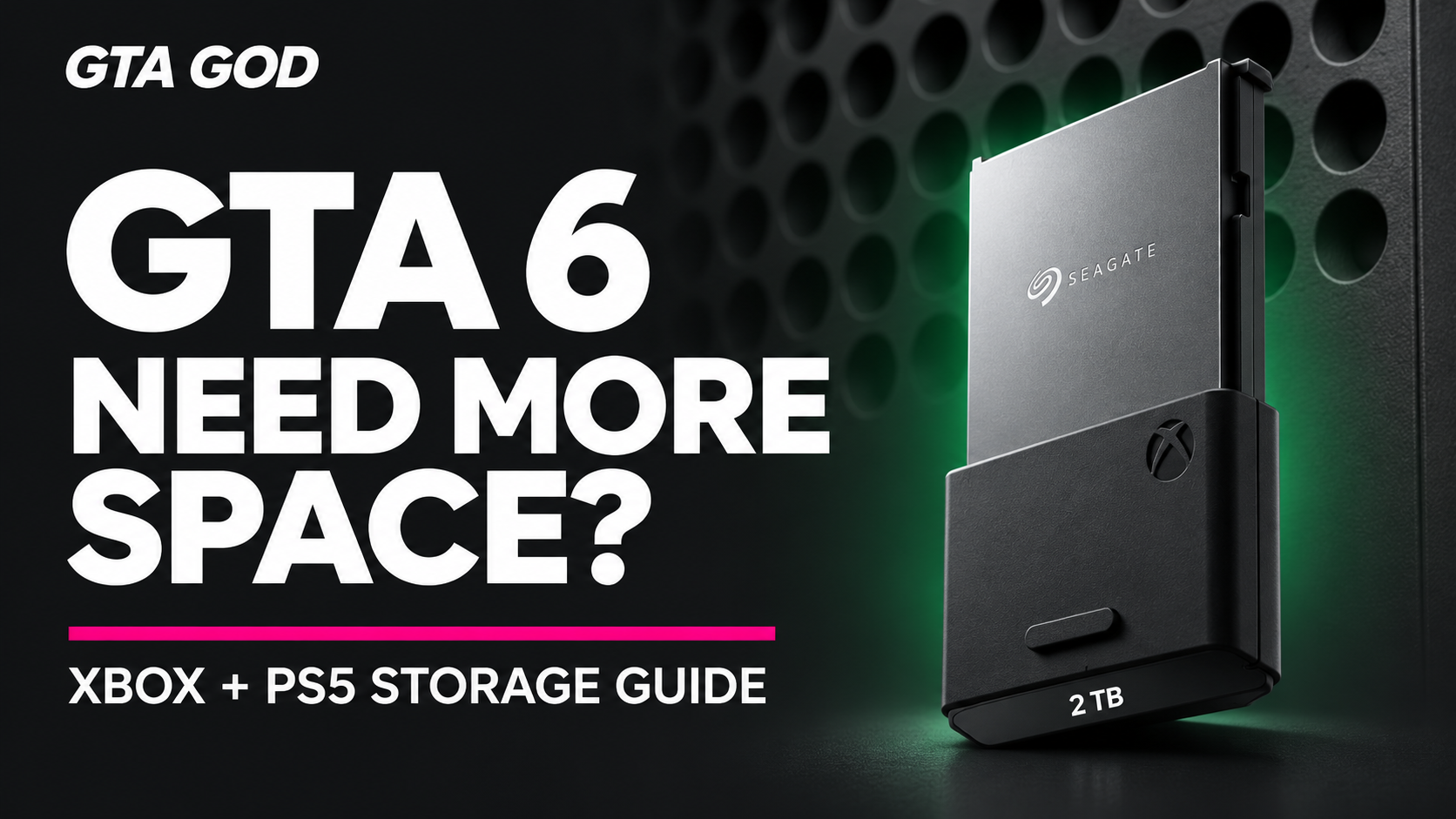
My preferred Xbox upgrade is the Seagate 2TB Storage Expansion Card. But the exact product matters: Seagate also sells USB hard drives, and they do a different job.
Here are the storage options I’d shortlist for GTA 6 on Xbox Series X|S and PlayStation 5.
Quick answer: what storage should you buy for GTA 6?
- My Xbox pick: Seagate Storage Expansion Card, 2TB.
- Xbox alternative: WD_BLACK C50 Storage Expansion Card, 2TB.
- My straightforward PS5 pick: WD_BLACK SN850P NVMe SSD, 2TB, with its integrated heatsink.
- Another PS5 option: Samsung 990 PRO, 2TB, specifically the version with a heatsink.
- For storing an Xbox game library: Seagate Game Drive for Xbox, 4TB USB HDD.
The Xbox expansion cards and compatible PS5 M.2 SSDs add space from which you can launch current-generation games. A USB hard drive is useful for moving games out of the way, but it does not provide the same functionality.
Can you play GTA 6 from an external hard drive on Xbox?
For GTA 6, plan to use your Xbox Series X|S console’s internal SSD or an officially supported Storage Expansion Card.
Xbox’s storage guidance says games that require Series X|S storage performance cannot run from an ordinary USB hard drive or USB SSD. Those USB drives can store game files, but you must transfer the game back to playable storage before launching it.
That means there are two very different products you might find while searching for a “Seagate 2TB Xbox drive”:
- Seagate Storage Expansion Card: plugs into the dedicated Storage Expansion slot on the back of the console and supports playing Series X|S games.
- Seagate Game Drive USB hard drive: connects by USB and can archive Series X|S games, while also playing supported older Xbox games directly.
Same brand. Same advertised capacity. Very different purchases.
1. Seagate 2TB Storage Expansion Card: my Xbox pick
The Seagate Storage Expansion Card for Xbox Series X|S, 2TB is the option I’d start with.
It plugs into the dedicated expansion slot and is designed to deliver the same storage performance as the console’s internal SSD. You can install and play supported Series X|S games directly from it.
The appeal is convenience. You get additional playable storage without opening the console or constantly transferring games between drives.
I like 2TB because it provides breathing room for GTA 6 alongside the rest of your library. It is more capacity than GTA 6 alone requires, but that is the point: I don’t want installing one enormous game to become a household relocation project.
Best for: Xbox Series X or Series S owners who want a simple, substantial storage upgrade.
Before buying: Make sure the listing says “Storage Expansion Card for Xbox Series X|S.” A Seagate USB Game Drive is a different product.
View the Seagate Storage Expansion Card
2. WD_BLACK C50 2TB: the Xbox alternative worth comparing
The WD_BLACK C50 Storage Expansion Card, 2TB belongs on the same shopping list.
It is officially licensed for Xbox, uses the console’s dedicated expansion slot and supports playing Series X|S games directly from the card.
My advice is to compare its current price with the Seagate 2TB card at reputable retailers. Both address the same basic need: more playable Xbox storage.
I would not pay extra expecting either card to improve GTA 6’s frame rate. A storage upgrade adds room; it does not upgrade your console’s processor or graphics hardware.
Best for: Xbox owners shopping for an alternative to the Seagate card.
Before buying: Look for the C50 Expansion Card. WD_BLACK also sells USB storage products.
View the WD_BLACK C50 Expansion Card
How PS5 storage works differently
PlayStation 5 takes a different approach. To add storage that can run PS5 games, you install a compatible M.2 NVMe SSD inside the console’s expansion bay.
It does not use Xbox’s plug-in expansion cards.
Sony specifies compatible PCIe Gen4 x4 M.2 NVMe drives, recommends sequential read speeds of at least 5,500 MB/s and requires effective cooling. The SSD and its heatsink must also fit within Sony’s dimensions.
You do not need a PlayStation-branded drive, but you do need a compatible one.
For a straightforward purchase, I’d look at a model explicitly sold for PS5 use with an appropriately sized heatsink already attached. Follow Sony’s installation instructions for your console model.
3. WD_BLACK SN850P 2TB: a straightforward PS5 choice
The WD_BLACK SN850P NVMe SSD for PS5, 2TB is my straightforward recommendation for PlayStation owners.
It is officially licensed for PS5 and includes a heatsink designed for the console. Once installed, it provides additional storage for downloading and playing PS5 games directly.
This is an internal expansion SSD, even though people often discover it while searching for an external hard drive for PS5.
Best for: PS5 owners who want a clearly identified, licensed storage upgrade with the heatsink included.
Before buying: Confirm the capacity and the exact SN850P product listing.
View the WD_BLACK SN850P for PS5
4. Samsung 990 PRO 2TB with heatsink: another PS5 option
The Samsung 990 PRO 2TB with heatsink is another model worth comparing.
Samsung lists this version as PS5 compatible. The important shopping detail is choosing the model with the heatsink if you want the cooling hardware included.
Compare its current price with the SN850P. Both are sensible candidates based on their stated compatibility; I wouldn’t claim one makes GTA 6 run better without game-specific testing.
Best for: PS5 owners comparing compatible SSD options and retailer offers.
Before buying: Check that the listing says “with heatsink,” rather than assuming every 990 PRO package includes one.
View the Samsung 990 PRO 2TB with heatsink
5. Seagate Game Drive for Xbox 4TB: useful for clearing space
A Seagate Game Drive for Xbox 4TB USB hard drive still has a useful role.
You can move other Series X|S games onto it to clear space on your console’s internal SSD. When you want those games again, you transfer them back. Supported older Xbox games can also run directly from the USB drive.
This can make sense if you want to keep a large library downloaded and are comfortable moving games around.
It is not the same experience as adding an expansion card. If your goal is to install GTA 6 on extra storage and launch it there, choose the expansion card instead.
Best for: Keeping an Xbox library downloaded while freeing internal space for GTA 6.
View the Seagate Game Drive for Xbox
Can a PS5 external USB drive help?
Yes. A compatible USB drive can store PS5 games and free space on the console’s internal SSD.
However, PS5 games cannot run directly from USB extended storage. You must copy them back to the console’s internal SSD or a compatible installed M.2 SSD before playing.
Supported PS4 games can run directly from USB extended storage.
The practical difference is simple:
- Xbox: add an officially supported expansion card for more playable Series X|S storage.
- PS5: install a compatible M.2 SSD for more playable PS5 storage.
- USB HDD or USB SSD: useful for archiving current-generation games on either console.
Is 1TB enough, or should you get 2TB?
A 1TB expansion drive provides enough capacity for GTA 6’s currently listed storage requirement, with room left over. You do not need 2TB just to install one game.
I prefer 2TB for a console that already has a busy library. It gives you more flexibility without immediately deciding which other games have to leave.
Advertised capacity and usable space differ, and future updates may need additional room. Leave some breathing space rather than planning to fill every available gigabyte.
If your console already has enough free internal storage, you can also spend nothing. An extra drive is a convenience purchase, not a requirement for everyone.
What I would buy for GTA 6
For Xbox Series X|S, my first choice is the Seagate 2TB Storage Expansion Card, with the WD_BLACK C50 2TB worth comparing on price.
For PS5, I’d compare the WD_BLACK SN850P 2TB and Samsung 990 PRO 2TB with heatsink.
If you mainly want to move your existing games out of the way, a compatible USB drive can handle that job. Just check what you are buying before checkout. “Works with Xbox” and “runs Series X|S games directly” are two very different promises.

Writing GTA news and guides for GTAGOD.